Column Spacer
IN THIS PAGE
Description
A field type you can add in the List Builder to insert visual spacing between columns when using a columnar layout.
Discussion
On the Fields tab in the List Builder, click Add Item and choose ColumnSpacer. Use the spacer field anywhere you need extra horizontal space between columns in a columnar layout.
The actual amount of spacing is controlled on Layout by the Column width property of the spacer field.
Add a Column Spacer
Open the List Builder and select the Fields tab. Click Add Item and choose ColumnSpacer.
Arrange the ColumnSpacer field within your columnar layout where you want additional space between columns.
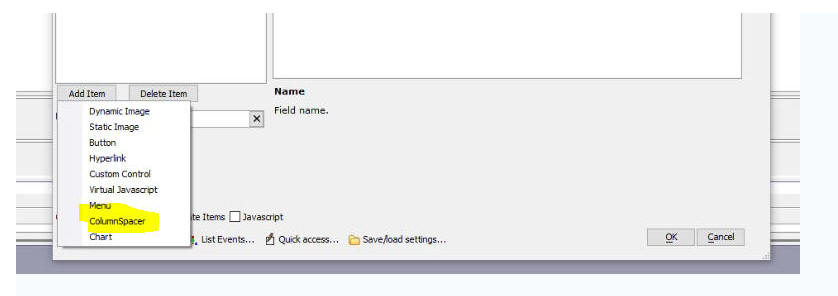
ColumnSpacer in the Fields list
Control the Spacing
Set the Column width property for the ColumnSpacer field on the Layout to determine how much space is inserted.